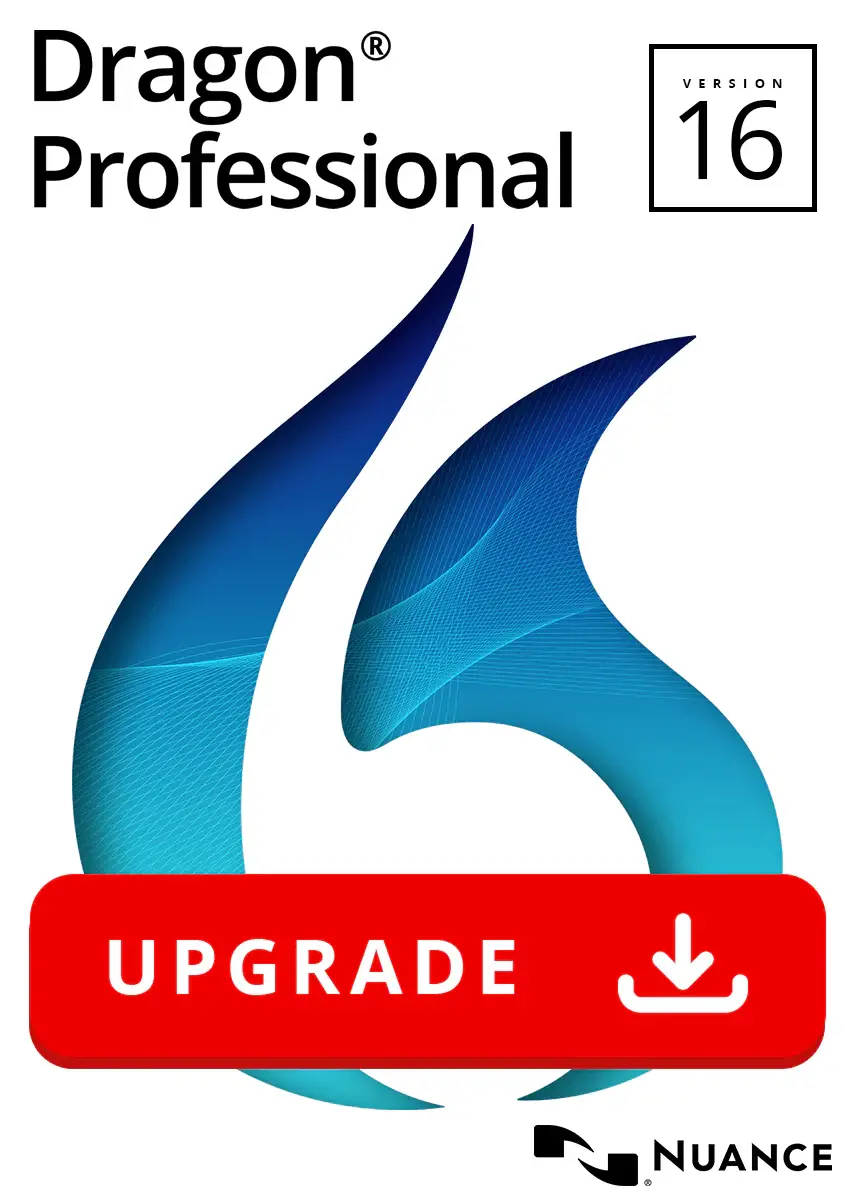
Why Upgrade to Dragon Professional v16 Now?
Dragon v16 builds on 25+ years of expertise with significant under-the-hood improvements. While it retains the familiar interface you love, the upgrade brings meaningful enhancements over v15:
- Full Windows 11 Optimization — Re-engineered code for smoother operation on the latest OS, including better support for Office 2021, modern comments in documents, and commands in Microsoft Teams.
- Improved Stability & Bug Fixes — Addresses v15 pain points for a more reliable experience, with fewer crashes and enhanced performance in demanding workflows.
- Superior Accuracy & Adaptation — Up to 99% out-of-the-box recognition (with minimal training), powered by deep learning that adapts continuously to your voice, accents, and vocabulary—even in noisy or mobile environments.
- Expanded Accessibility Features — Enhanced mouse grid for multiple monitors, voice playback of dictated text, sophisticated macros, and better support for physical/cognitive needs, making it ideal for inclusive workplaces.
- Broader Application Support — Seamless integration with more apps, including Corel WordPerfect 2021, plus hybrid capabilities if you use Dragon Professional Anywhere.
- Custom Commands & Vocabulary — Easily carry over (or import) your custom words, commands, and auto-texts from v15 for zero downtime.
Users upgrading from v15 report noticeably quicker dictation, fewer corrections, and a frustration-free workflow—especially on modern hardware.
Dragon Professional v16 Upgrade vs. v15: Quick Comparison
| Feature | Dragon Professional v15 | Dragon Professional v16 Upgrade |
|---|---|---|
| Windows 11 Optimization | Partial/compatibility mode | Fully re-architected & primary design |
| Stability & Bug Fixes | Good, but some reported issues | Significant improvements & enhancements |
| Accuracy & Voice Adaptation | Excellent | Even better with deeper learning & refinements |
| Microsoft Office Integration | Strong | Enhanced (e.g., Modern Comments, Teams commands) |
| Accessibility Enhancements | Solid | Expanded (multi-monitor, playback, macros) |
| Additional App Support | Limited | Includes WordPerfect 2021, better hardware |
| Price (Upgrade Path) | N/A | Discounted from full version price |
| Best For | Legacy Windows 10 setups | Modern Windows 11 + future-proofing |
Who Benefits Most from the Dragon Professional v16 Upgrade?
- Current v15 Users — Seamlessly transition to the latest features without starting over.
- Professionals on Windows 11 — Eliminate any lingering compatibility quirks and maximize speed.
- Document-Heavy Roles — Lawyers dictating case notes, writers crafting content, educators grading, or admins filling forms 3x faster than typing.
- Accessibility-Focused Users — Leverage advanced tools for hands-free computing and compliance.
- Businesses & Solo Practitioners — Maintain on-premise control while gaining enterprise-grade tools like centralized customizations (via Nuance Management Center in group scenarios).
If you’re dealing with slower recognition, OS mismatches, or just want the absolute best accuracy in 2026, this upgrade delivers immediate ROI through saved time and reduced errors.
Easy Upgrade Process
- Ensure you have a valid Dragon Professional Individual v15 (or qualifying earlier version) license.
- Download the upgrade from an authorized reseller or Nuance partner.
- Install over your existing version—no full uninstall needed in most cases.
- Import your custom words/commands if prompted (easy export/import from v15).
- Train briefly if desired—Dragon adapts quickly.
Ready to dictate faster, more accurately, and with modern OS confidence? The Dragon Professional v16 Upgrade is your next step toward peak productivity.
Reviews
There are no reviews yet.